Browser Extension
Drop a Pin on Any Webpage, Get the Feedback Synced
A Chrome extension that lets reviewers click anywhere on a live webpage, leave a comment, attach a contextual screenshot, and sync the feedback to a shared dashboard in real time.
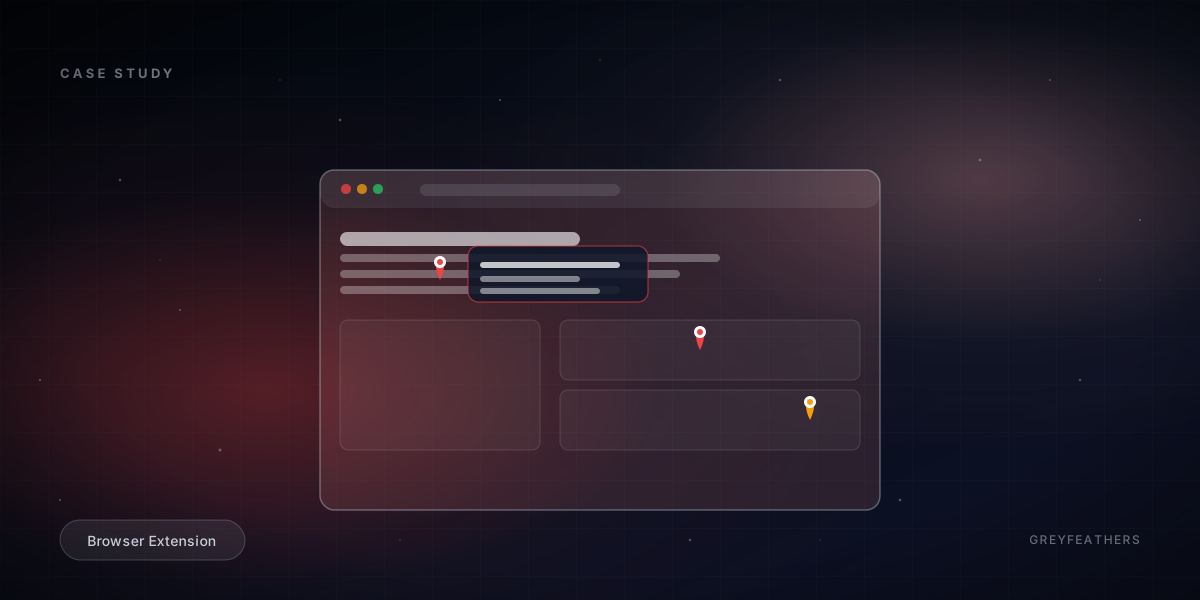
Design review on the web has not moved forward in years. The cycle is the same everywhere. Reviewer takes a screenshot. Marks it up in Preview or Figma. Pastes it in Slack with a comment. Designer hunts for the original element. Repeat for the next forty issues.
The brief was a tool that lets reviewers leave feedback inside the page itself. Click where the problem is, type the note, capture the surrounding context, sync the result to a shared dashboard. No app switching for the reviewer, no detective work for the designer.
What we built
1. Pin-anywhere overlay
The extension injects an overlay onto whatever page is open. Click anywhere, a pin lands at that exact point, a comment box opens. The pin position is stored relative to the DOM element under it, so it survives most layout changes.
- Click-to-place pins anywhere on the page
- Pin position stored relative to its DOM element
- Contextual screenshot captured automatically per pin
- Comment box with rich text and attachment support
2. Real-time sync to a shared dashboard
Every pin syncs to a web dashboard the moment it is created. The rest of the team sees new pins appear without refreshing. Triage happens there, with status changes flowing back to the extension.
- Realtime sync between extension and web dashboard
- Triage view with status flow per pin
- Filter by page, status, assignee
- Notification when a pin you raised is resolved
3. Keyboard shortcuts and capture flow
Reviewers do not want to mouse around. Hotkeys for opening the panel, capturing, and submitting. The capture flow is two seconds from idea to logged feedback.
- Keyboard shortcut to open the floating panel
- Hotkey to capture and submit without leaving the keyboard
- Inline preview of the screenshot before submit
Tech stack and why we chose it
Browser extensions are constrained environments. Bundle size, CSP, and storage limits drive the choices.
- Manifest V3 for the Chrome extension. The new permissions model and service worker architecture is the only path forward; v2 extensions are deprecated. We adopted v3 cleanly rather than fighting the constraints.
- esbuild for bundling. Faster than webpack, smaller output. For an extension where the entire bundle has to load on every page, the size difference matters.
- Sharp for icon generation. We auto-generate the icon set from a single SVG source so adding a new icon size is one command.
- Supabase for the backend. Auth, Postgres, storage, and realtime channels in one. Row-level security policies handle the per-team access rules without writing a single endpoint. The realtime channels are how the extension and dashboard stay in sync.
- Next.js for the web dashboard. Server-rendered triage view, App Router for the rest. The dashboard is the heavy surface, the extension stays minimal.
- Framer Motion for the dashboard interactions. Pins surface with a smooth animation when they arrive, status transitions feel like state changes rather than reloads.
- Lucide icons throughout. Consistent stroke weight, lightweight bundle, every icon we needed was already in the set.
Outcome
Live across multiple teams. The screenshot-and-paste workflow is gone where the extension has been adopted.
Frequently asked questions
What if the page layout changes after a pin is left?
Pins anchor to the DOM element they were placed on, not the absolute pixel position. Small layout changes survive cleanly. Major rewrites obviously break the anchor; in that case the pin falls back to the screenshot which is preserved.
Does this work on authenticated pages?
Yes. The extension runs in the same session as the user, so any page they can see, they can pin. The screenshots are stored privately scoped to the team, not to the page origin.
Why a Chrome extension and not a hosted overlay?
Hosted overlays need a script tag on the customer's website. That only works on properties the customer controls. The extension works on any URL the reviewer is on, including staging environments, third-party tools, and production sites the team is auditing.